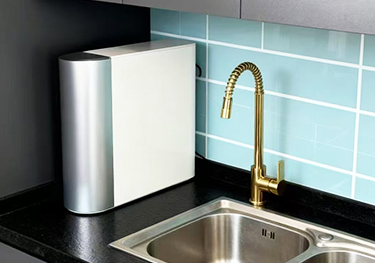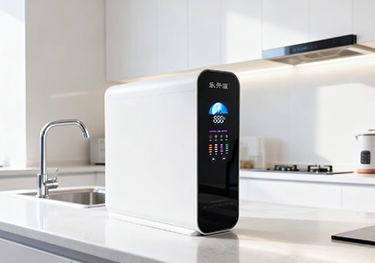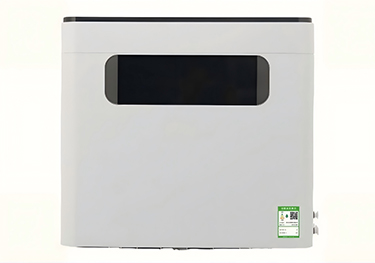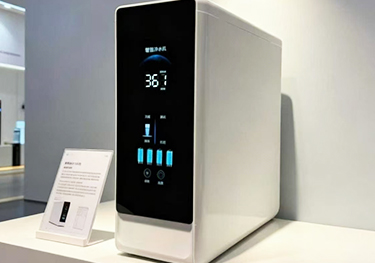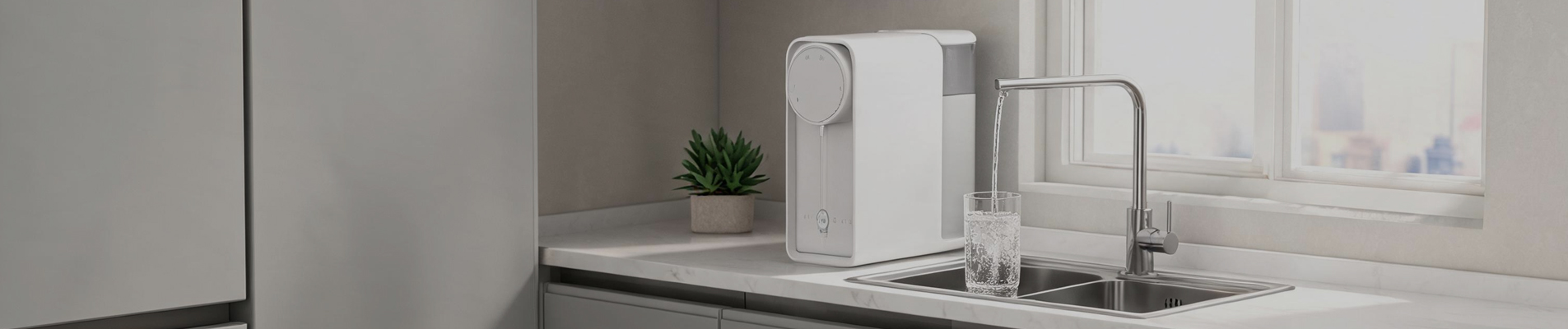
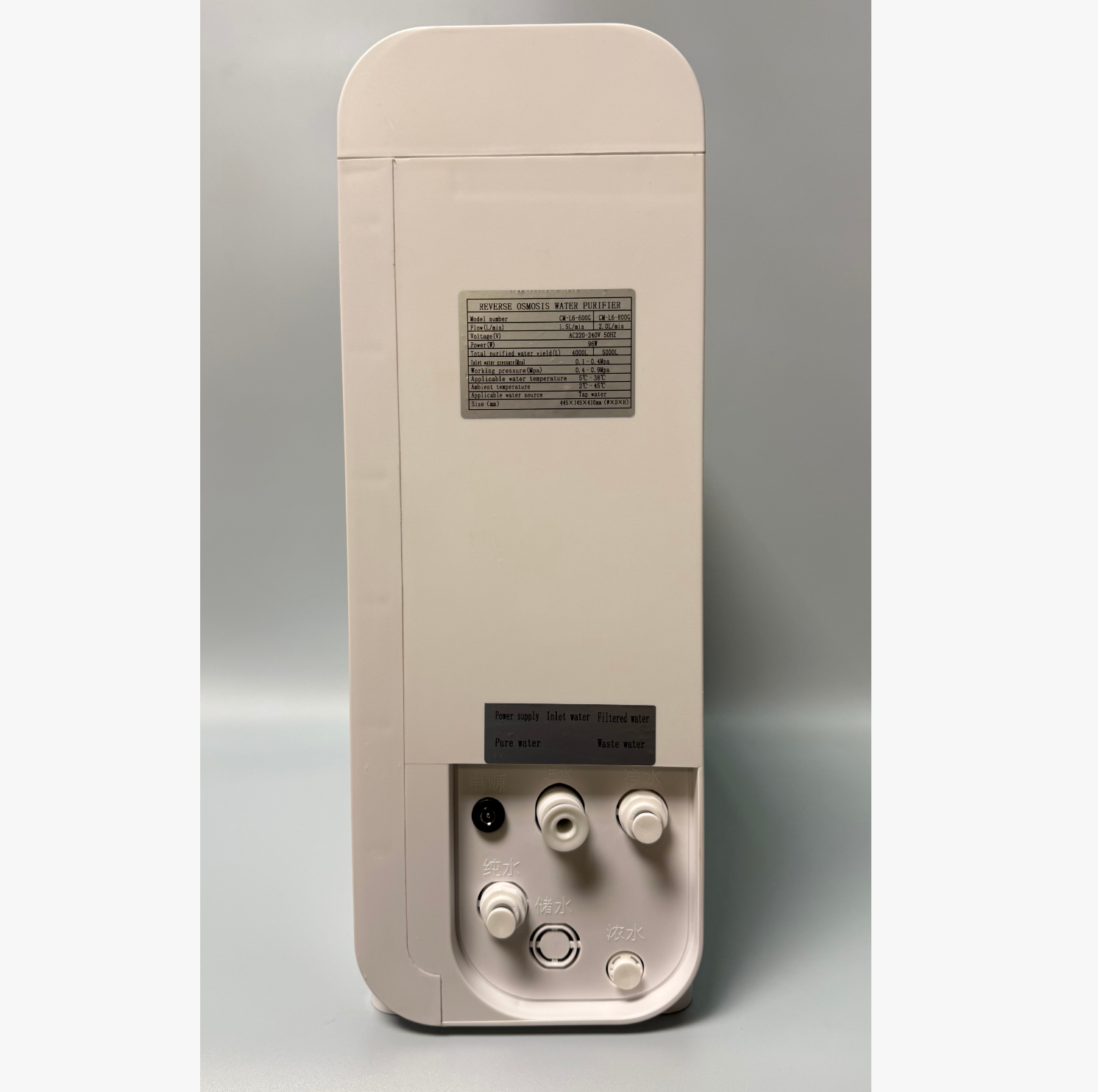
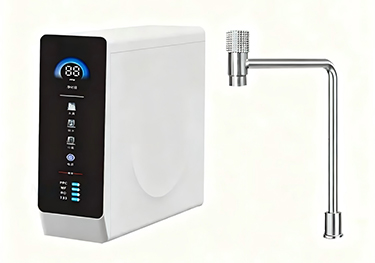
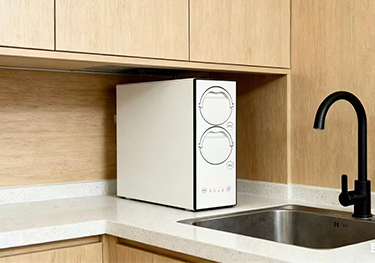
800GPD Water purifier RO water filter for home use

800GPD Water purifier RO water filter for home use

800GPD Water purifier RO water filter for home use

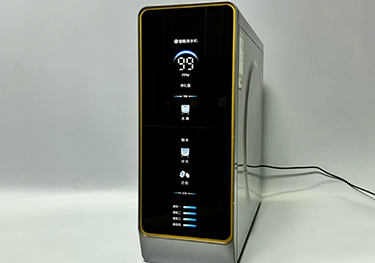
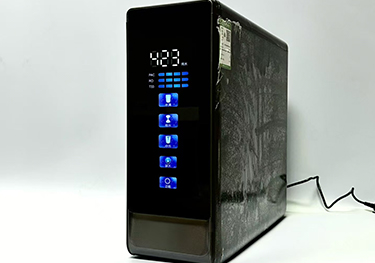
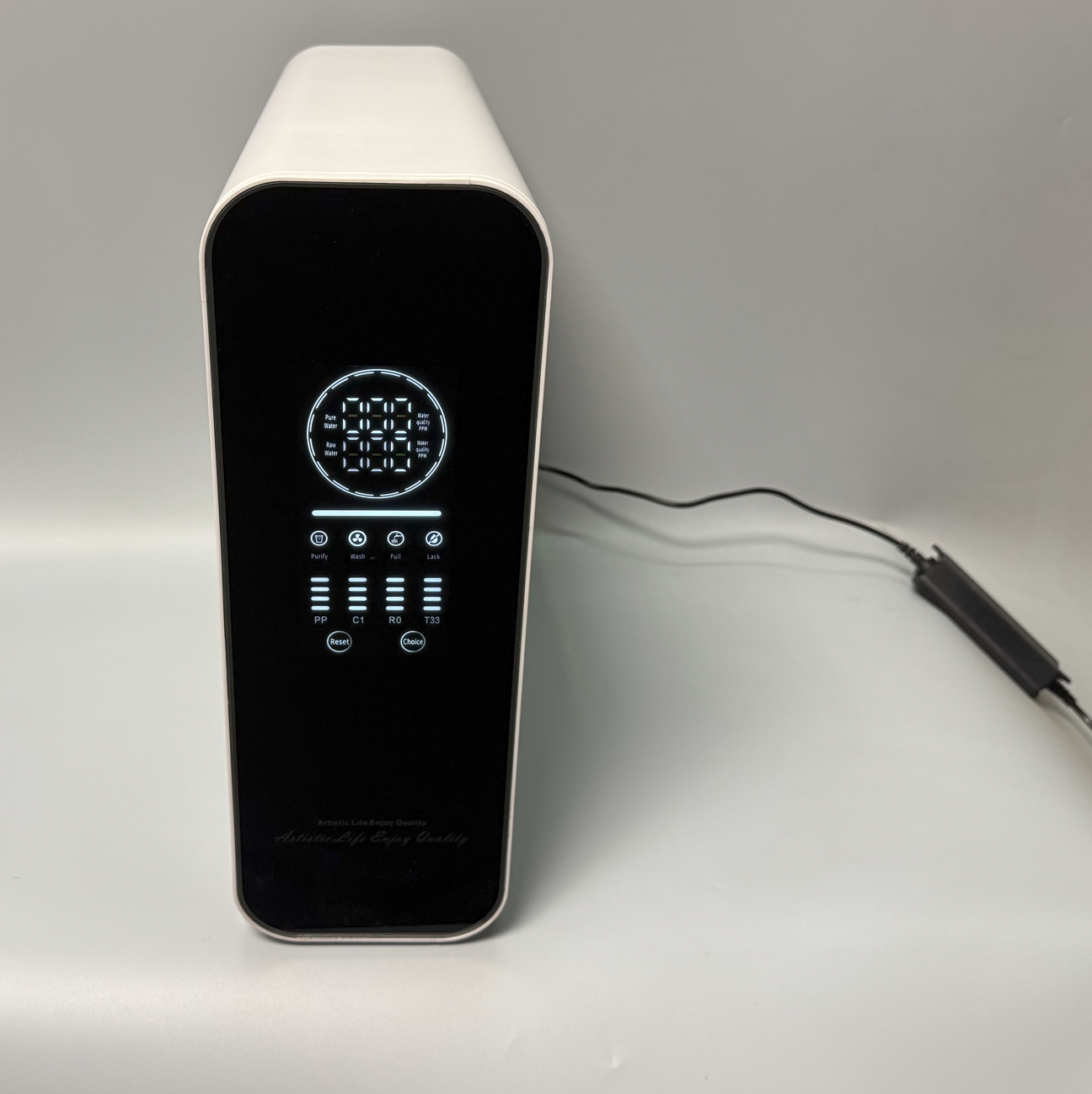
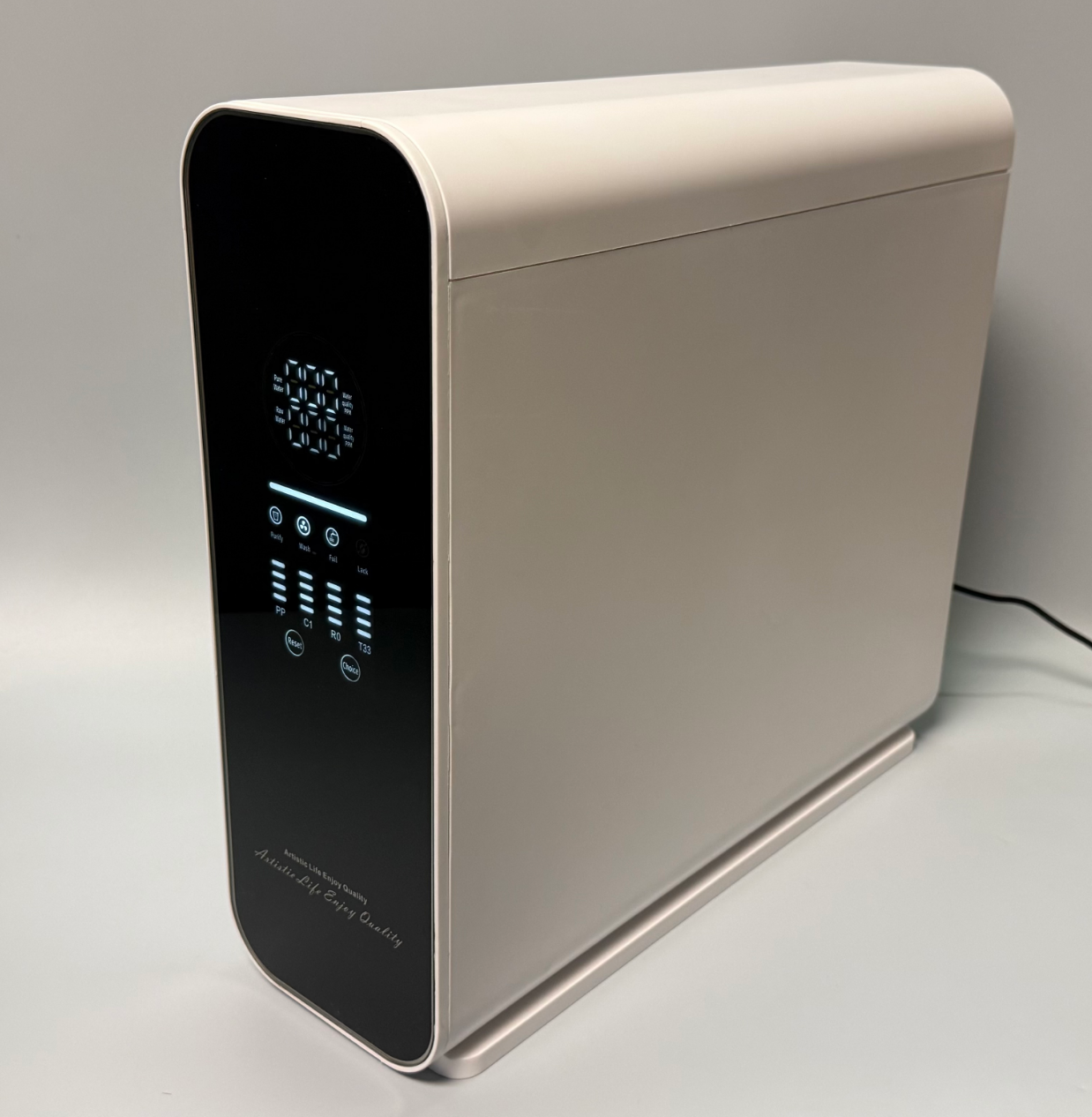
Residential RO Water Purifier Control Panel Guide
This vertical display panel serves as the user interface for a household reverse osmosis (RO) water purification system, providing real-time water quality data, system status, filter life monitoring, and manual controls.
1. Top Section: Water Quality Display (PPM)
• Pure Water (Top Row): Displays the current Total Dissolved Solids (TDS) level in PPM (Parts Per Million) for the purified water.
• Raw Water (Bottom Row): Displays the current TDS level in PPM for the incoming tap/raw water.
2. Middle Section: Operation Status Icons
• Purify: Illuminates when the system is actively producing purified water.
• Wash: Indicates the system is in flush/wash mode (cleaning the RO membrane).
• Full: Indicates the pure water storage tank is full.
• Lack: Warning indicator for water shortage (low raw water supply or empty pure water tank).
3. Lower Section: Filter Life Indicators
There are four columns of horizontal bars indicating the remaining lifespan of each filter stage:
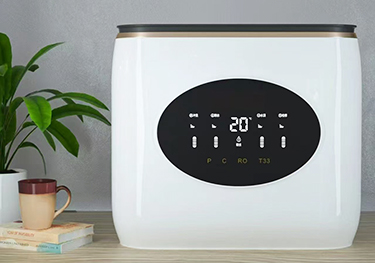
• PP: Polypropylene sediment filter (pre-filter).
• C1: Carbon block filter (removes chlorine/odor).
• RO: Reverse Osmosis membrane (the core purification stage).
• T33: Post-carbon filter (improves taste).
(Note: As the horizontal bars decrease, it indicates the filter is nearing the end of its life and needs replacement).
4. Bottom Section: Control Buttons
• Reset: Used to reset the filter life timer after replacing a filter cartridge.
• Choice: Used to select a specific filter stage to reset or to navigate menu options.

Related Products

Home Tel Mail Inquiry